Linux for
home and office.
Boreale's GNOME desktop brings together LibreOffice, Thunderbird, and an AI assistant that works on your computer, even offline. blueBerryOS also offers tools for developing software, diagnosing the network and doing security audits.
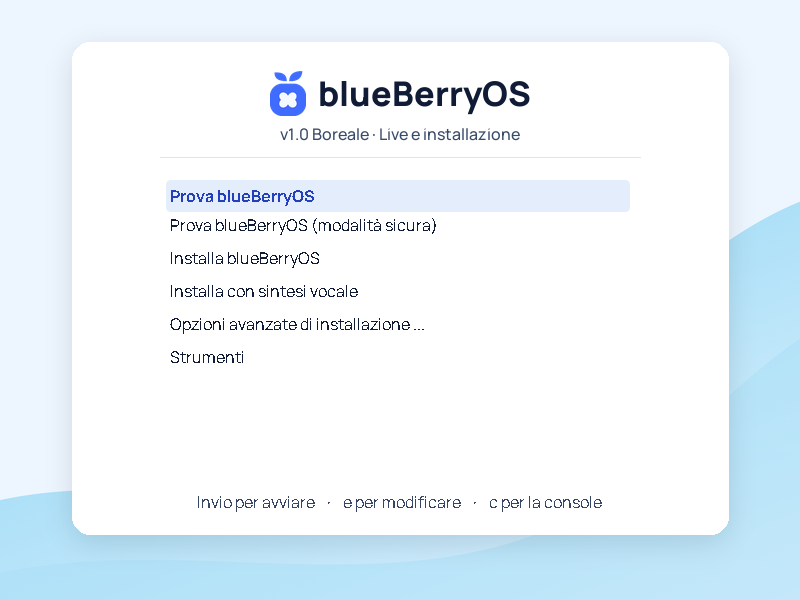
blueBerryOS v1.0 Boreale · Debian 13 · AMD64 and ARM64 for Raspberry Pi


Your first start with Boreale
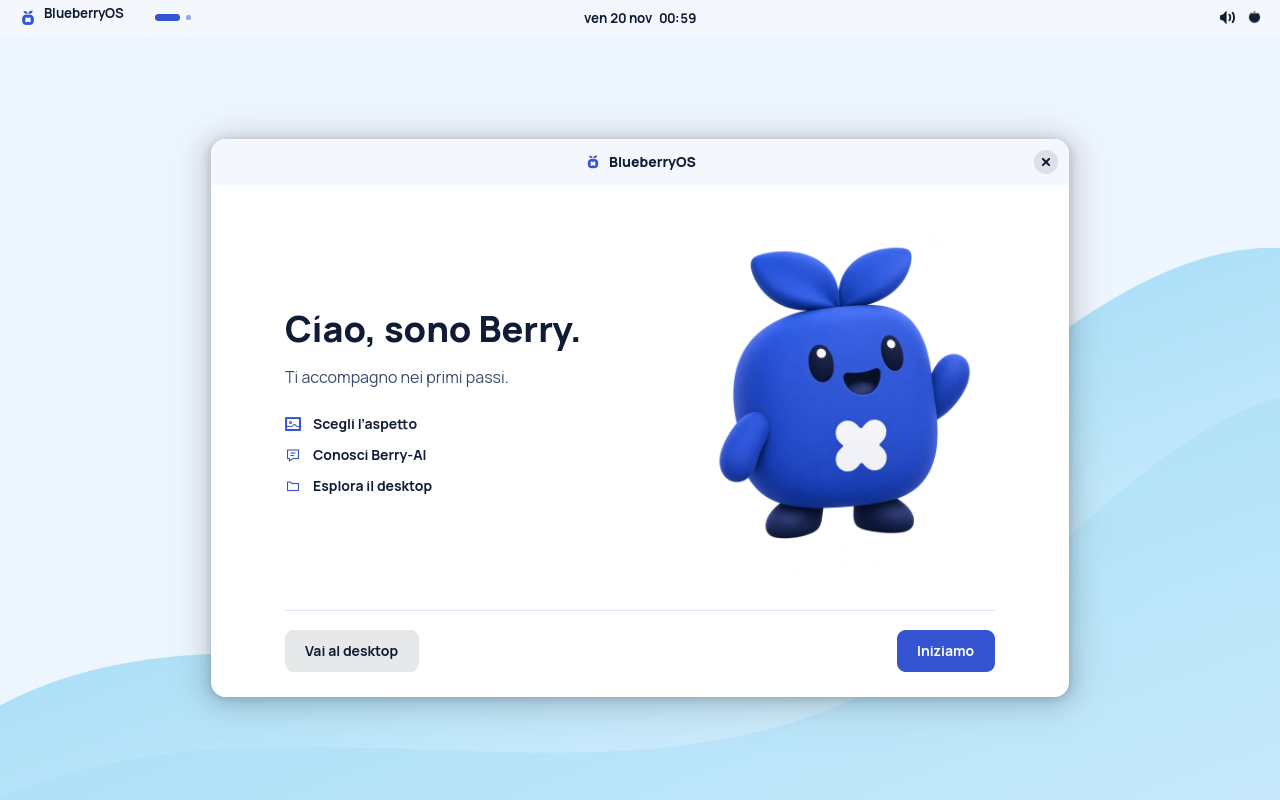
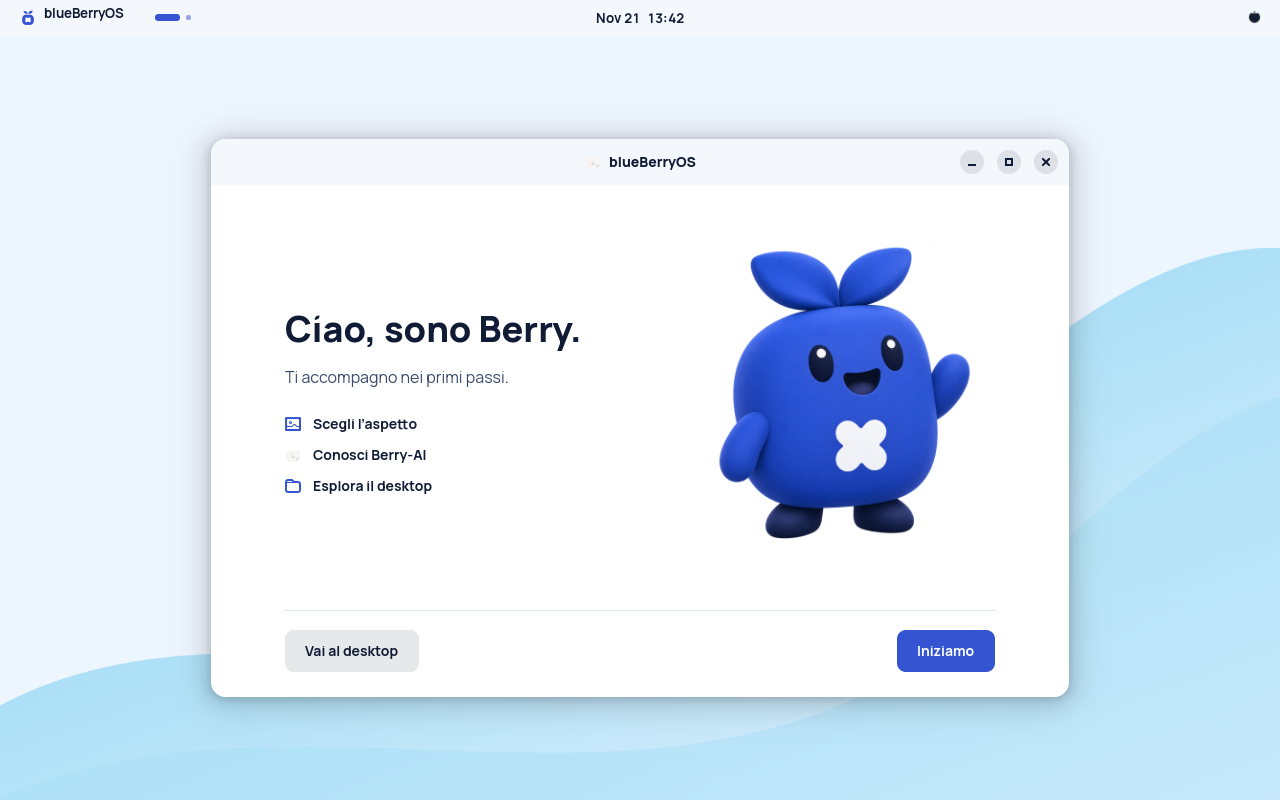
Launch Boreale from a USB stick and take the time to explore it. You can test the desktop and your peripherals before deciding whether to install it.
Open a document you already use
Test your file in LibreOffice and check that the layout and fonts are what you expect.
Ask Berry‑AI a question
Disconnect the network and ask your assistant to tidy up some notes. The included model responds on the PC.
Choose where to keep it
Continue testing it live, install it on your PC or choose the image for VirtualBox or Raspberry Pi from the Download page.
Berry‑AI also works offline
Berry‑AI processes texts on the PC with Qwen2.5-1.5B-Instruct, included in Boreale. After installation, update your system to use the desktop app with history, attachments, and document library, even offline.
Check out Berry‑AI 1.1.0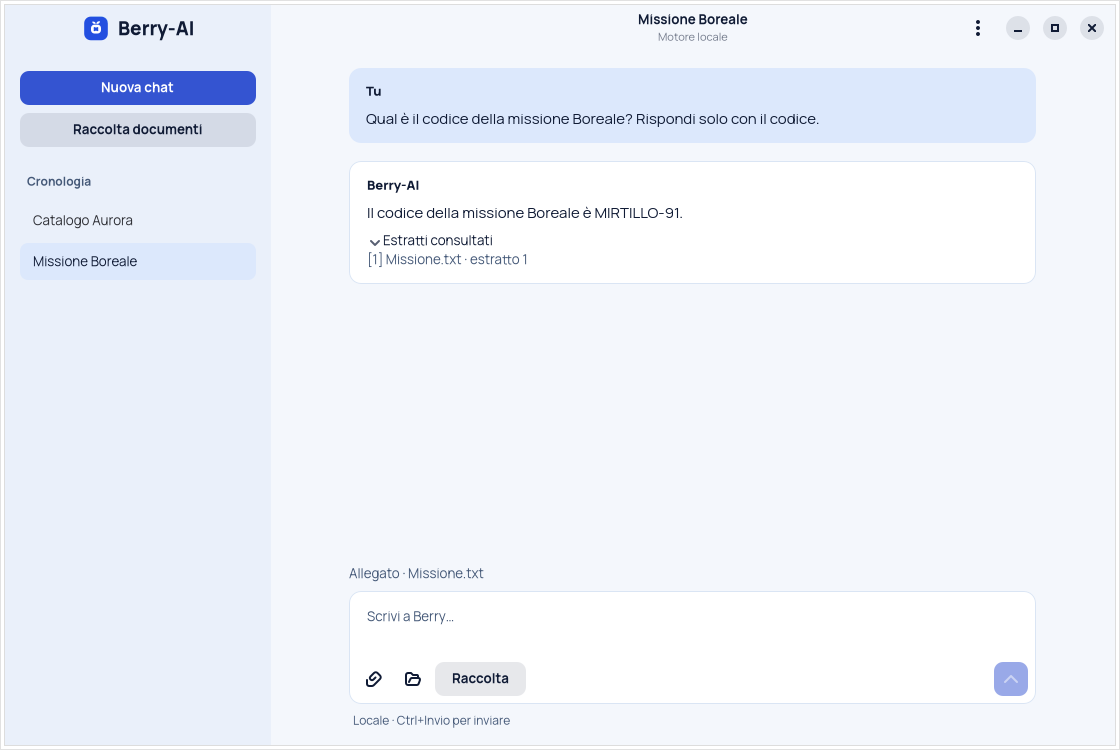
Try Boreale in VirtualBox
Import the OVA to a 64-bit Intel or AMD PC to launch the live desktop. The empty 32 GiB virtual disk is already configured to try the installation as well.
Boreale for Raspberry Pi
Boot the Boreale GNOME desktop from a microSD on a Raspberry Pi 4 or 5 with at least 4 GB of RAM. The ARM64 image includes LibreOffice, Thunderbird, and Berry‑AI with the offline model.
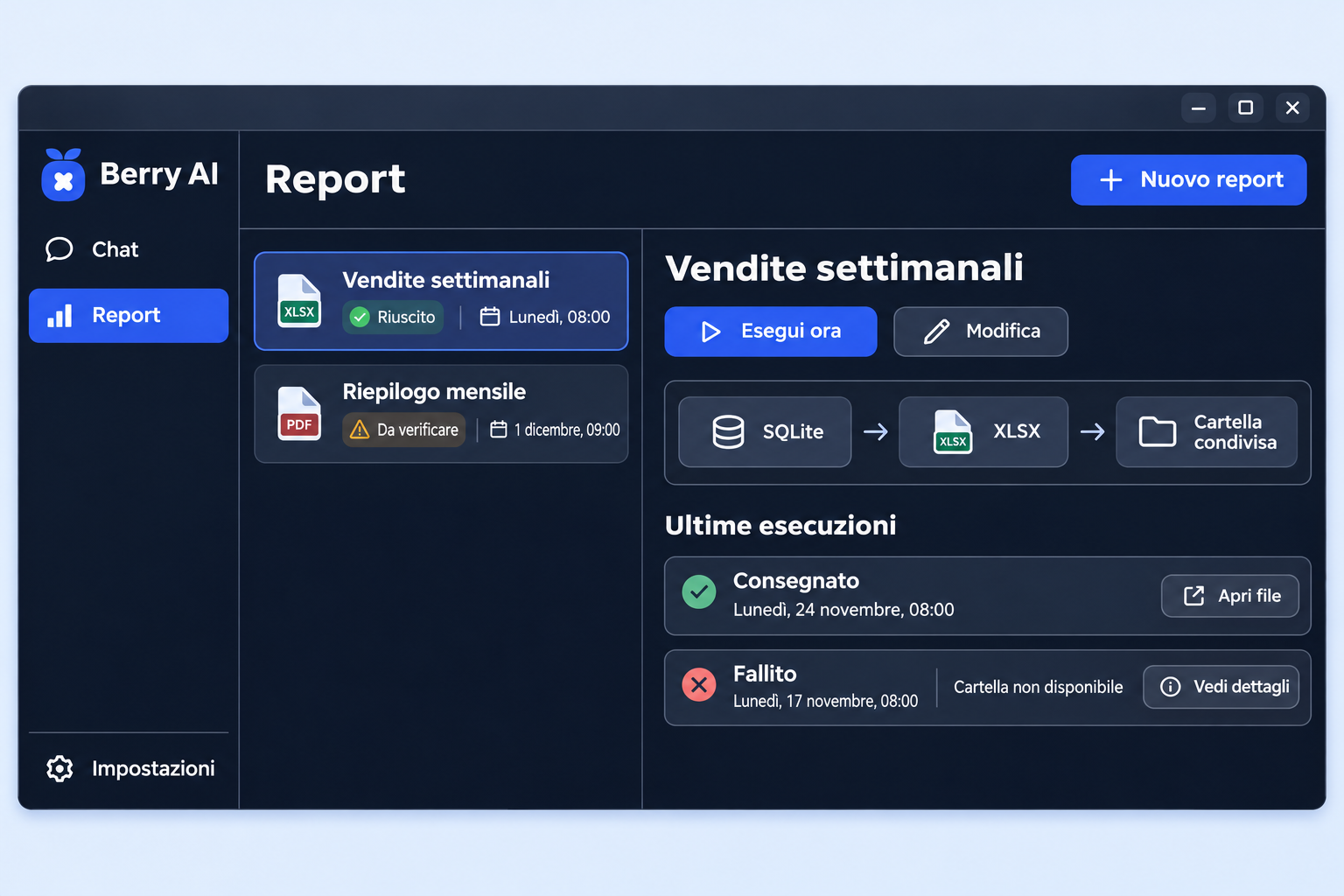
Enterprise solutions
Explore Berry‑AI's enterprise features for teams: scheduled reports, local templates chosen by location, an agent that prepares emails in Thunderbird and asks for confirmation before sending, and more.
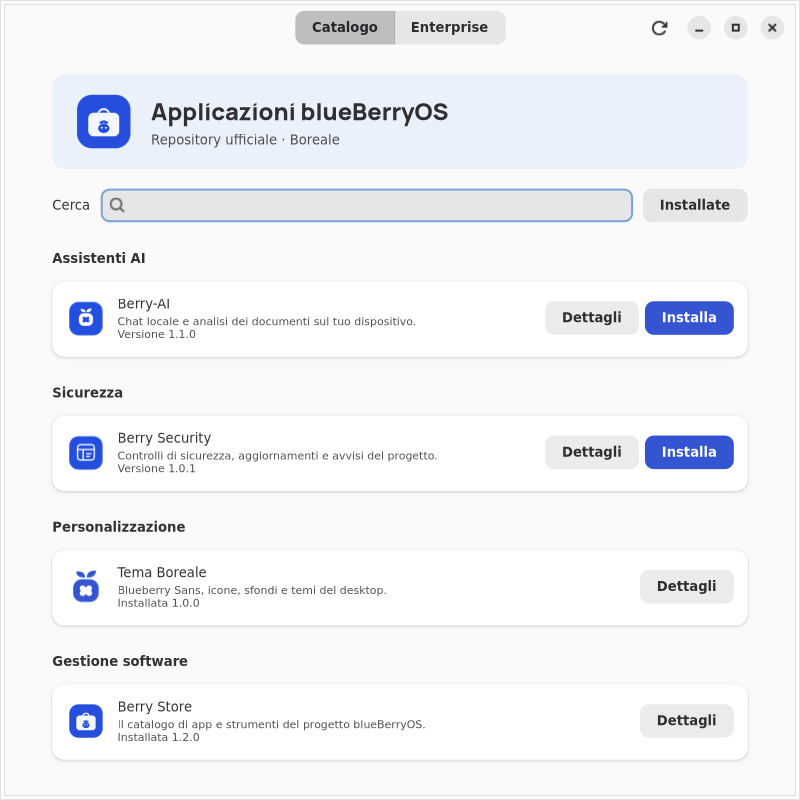
Berry Store
Install and update the official blueBerryOS apps. With Berry Store 1.2.0 you can find software by category, read what's new with each release and can restore a previous version.
Try live or install Boreale on your PC
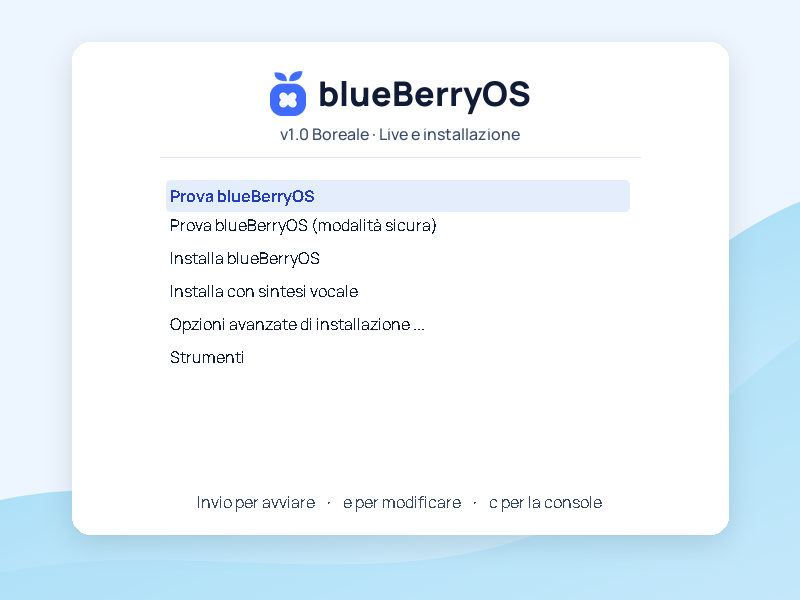
With the same ISO you can boot the desktop from USB to test the apps and peripherals, or enter directly into the graphical installer to install Boreale on the disk.