
blueBerryOS archive
Boreale includes the repository boreale/main for Berry‑AI, Berry Security and the theme. In /etc/apt/sources.list.d/blueberry.sources, Signed-By associate the project's public key with this source.
In Berry Security you see new versions of already installed packages, release notes and project communications. Berry notifies you on the GNOME desktop when there is something new.
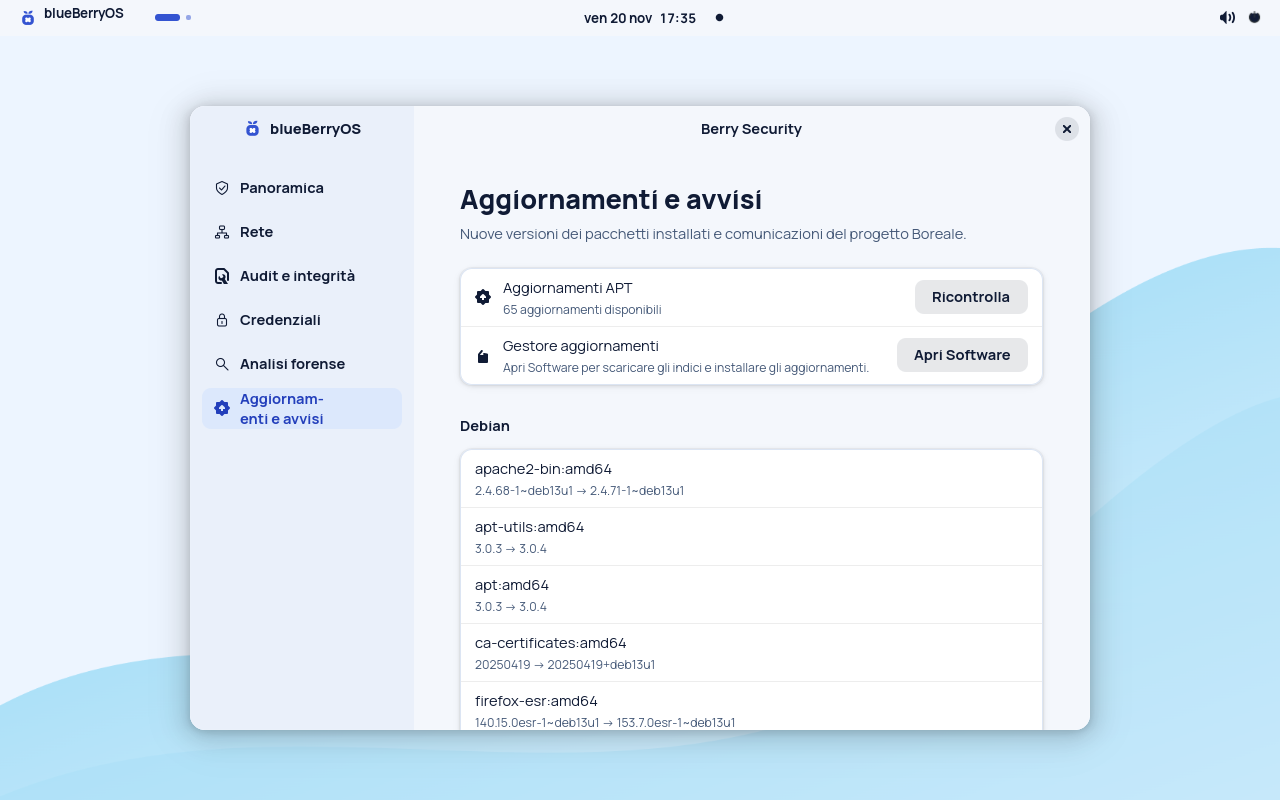
Check again rereads local APT indexes and alert feed.
Download the signed indexes and consult the available versions before choosing what to install.
sudo apt update
apt list --upgradableBoreale includes the repository boreale/main for Berry‑AI, Berry Security and the theme. In /etc/apt/sources.list.d/blueberry.sources, Signed-By associate the project's public key with this source.
Debian distributes updates to the Boreale base, such as libraries, kernels and applications. APT checks the indexes of the configured sources and proposes updates for the packages present on the PC.
The HTTPS feed publishes release notes, guides, and maintenance alerts. Berry checks it at login, when the connection returns, and every four hours. Alerts already received remain available for consultation until they expire.